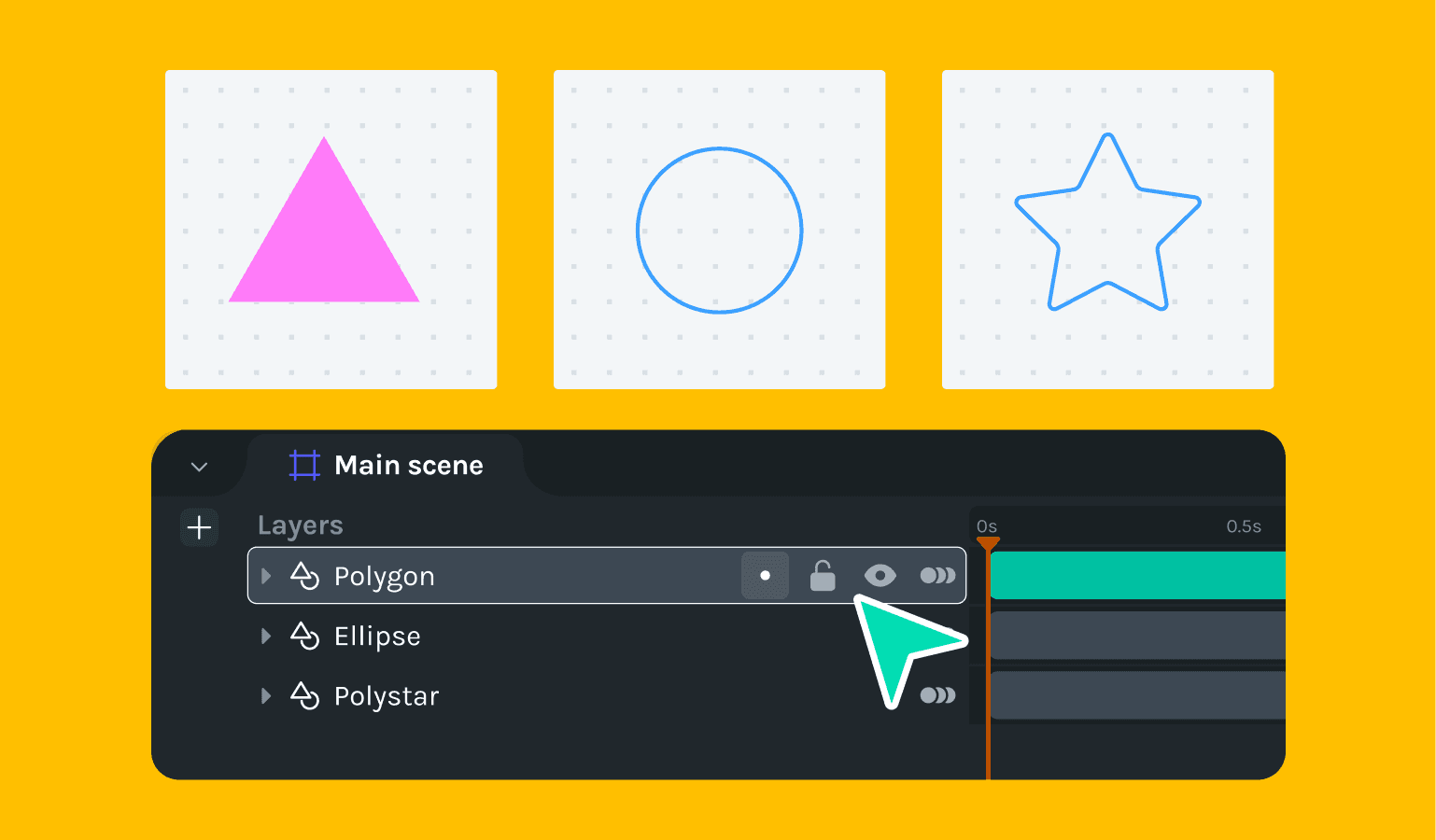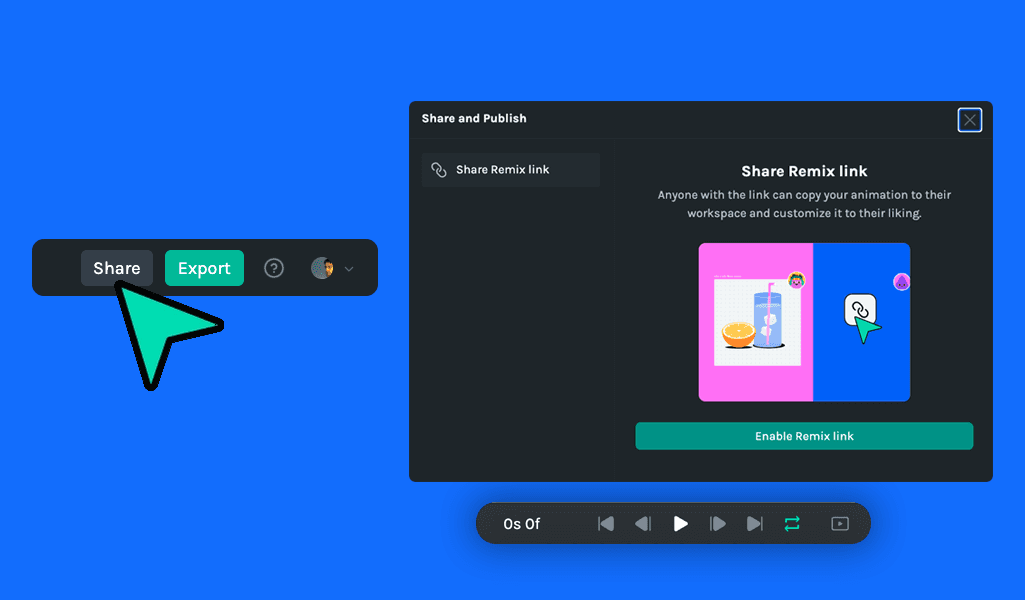
Lottie Creator has introduced several exciting new features and improvements to enhance the user experience. Users can now release their files as Remix, enabling collaborative sharing and editing within the community. Additionally, a new feature allows the entire UI to be hidden for better focus on the canvas. Improvements include automatic layer renaming when new elements are added to the timeline, and smoother management of Creator windows. Bug fixes have addressed issues, including anchor point grid changes in the undo stack and ensuring keyframes update when resizing the window.
Releases
- Read more →
- Read more →
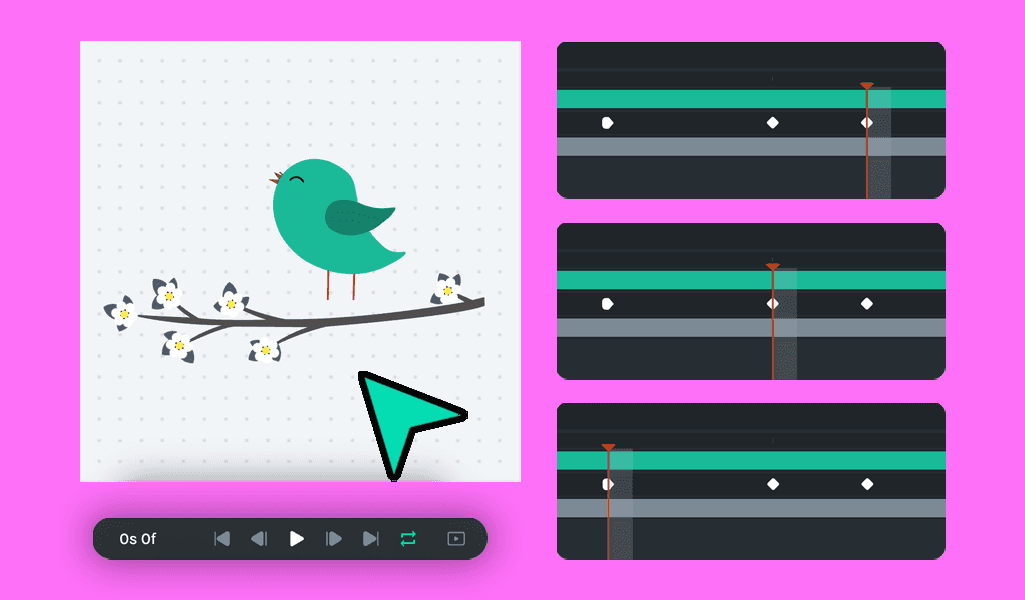
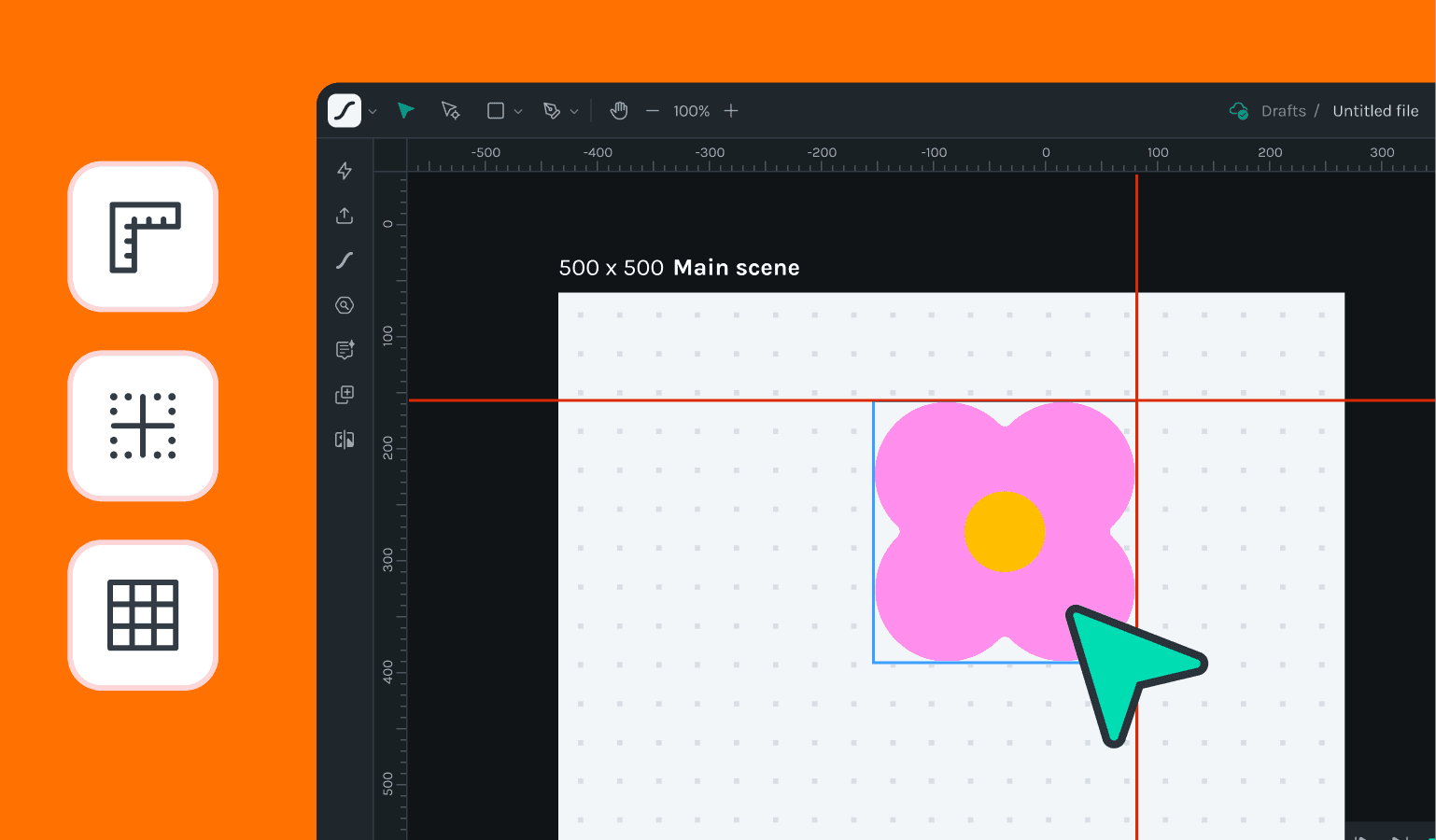
The latest update introduces the new canvas, individual pan and zoom settings for each scene and arrow key navigation for layers. Improvements include shift-drag snapping to keyframes, direct playhead navigation to keyframes, and enhanced scene navigation, panning, and zooming. Various UI inconsistencies have been fixed, along with corrections to scene background colors and layer re-ordering and dragging issues. These enhancements and fixes significantly improve the overall user experience and efficiency in managing animations.
- Read more →
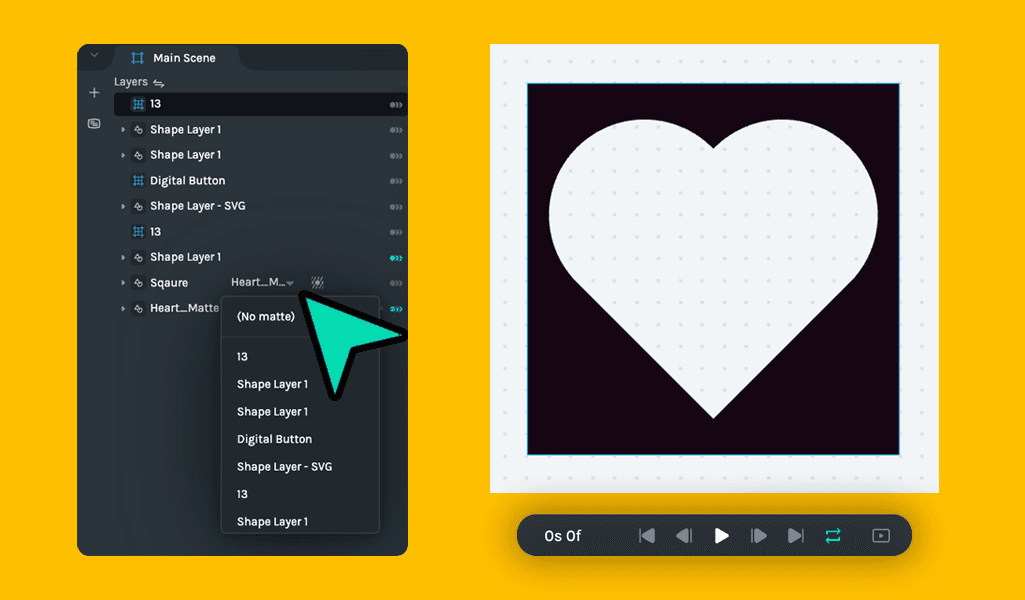
In this release, Creator supports matte layers in nested scenes, and users can jump the playhead between keyframes using the shortcuts. The timeline scrubber and work area playhead are now bound to the duration of the scene, and advanced layer functions like hide and focus are enabled in multi-select mode, and dragging windows such as plugins is now more fluid.
- Read more →
This release of Creator supports matte and masks and allows exporting the segments to dotLottie files. It also enhances undo/redo actions for work areas and segments, provides multi-selection functionality, and includes better naming for source and layer scenes. Bug fixes address issues such as adding random keyframes at the playhead position, loader animation-induced slowness, and new black background shapes. These updates aim to streamline the user experience and improve performance.
- Read more →
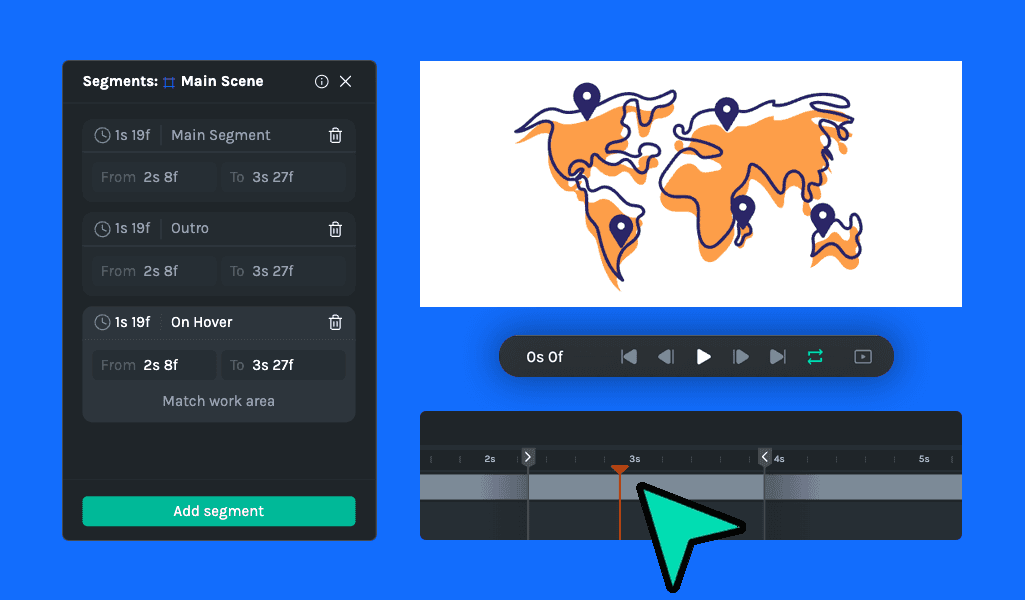
The latest Lottie Creator update introduces new features like work area markers, the ability to select all keyframes of a track, a new edit menu, and importing SVGs directly from Clipboard and Finder. Bug fixes address issues with random keyframe additions, bezier stroke rendering, and keyboard shortcuts, ensuring a smoother and more efficient user experience.
- Read more →
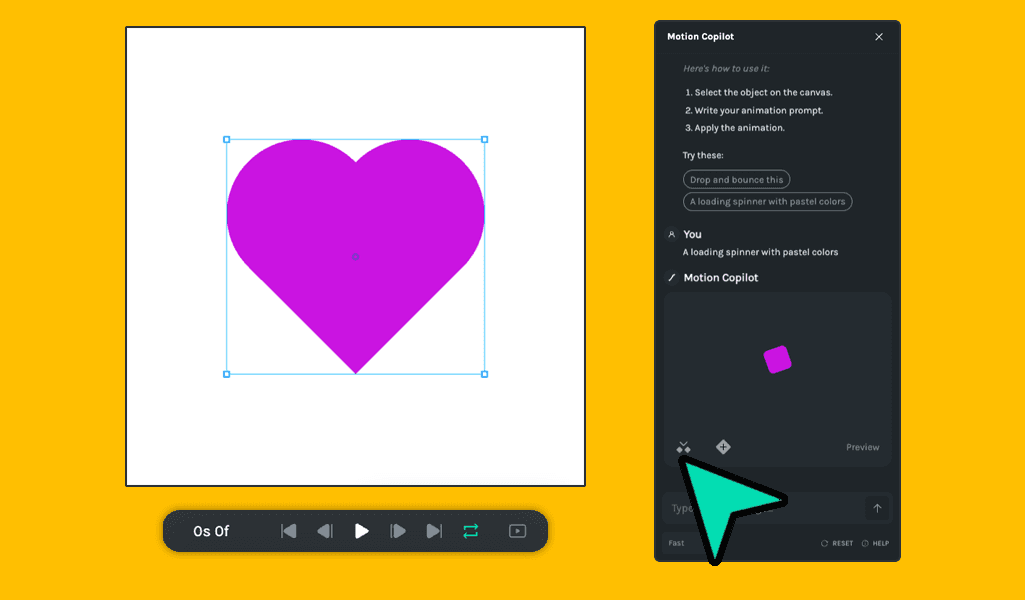
We’re excited to announce the release of new features and improvements in Lottie Creator, including the Motion Copilot, collapsible animated properties for nested scenes, and the ability to copy, paste, and export nested scenes as .lottie files. This update also brings enhanced path creation visibility, improved asset insertion from AI prompts, better playhead scrubber accuracy, refined shape-level property animations, and more intuitive drag-and-drop functionality. Additionally, several bug fixes have been implemented to improve overall performance and stability.
- Read more →
In this release, we’ve added linear gradient support to the color picker and introduced options to flip objects vertically or horizontally from the context menu. You’ll also find new animation preset tooltips and animated presets in the right menu and an improved scene duration format for better clarity.
- Read more →
The latest update to Lottie Creator introduces many new features and improvements designed to enhance your animation workflow. Now, you can import animations directly into pre-comp scenes, streamlining your process like never before. Enjoy the new layer actions such as focus, lock, and hide, making it easier to manage complex animations. We've also enabled the ability to copy and paste objects and keyframes between Creator tabs, incorporated undo/redo functionality for canvas size adjustments, and improved the rotation interaction on tracks to synchronize with the property panel.
- Read more →
In our latest update to Lottie Creator, we're excited to introduce powerful new features and significant improvements. Users can now create new nested scenes from existing ones or start with empty nested scenes, enhancing workflow flexibility. We've also introduced the ability to import SVGs with line breaks, addressing a key user request. On the improvements front, we've updated all keyframe sizes on the timeline and enhanced the usability of the saving status indicator.
Additionally, we've fixed several bugs, including path opacity issues and incorrect lengths of selected imported assets on the timeline. These updates ensure a smoother, more efficient animation creation experience. - Read more →
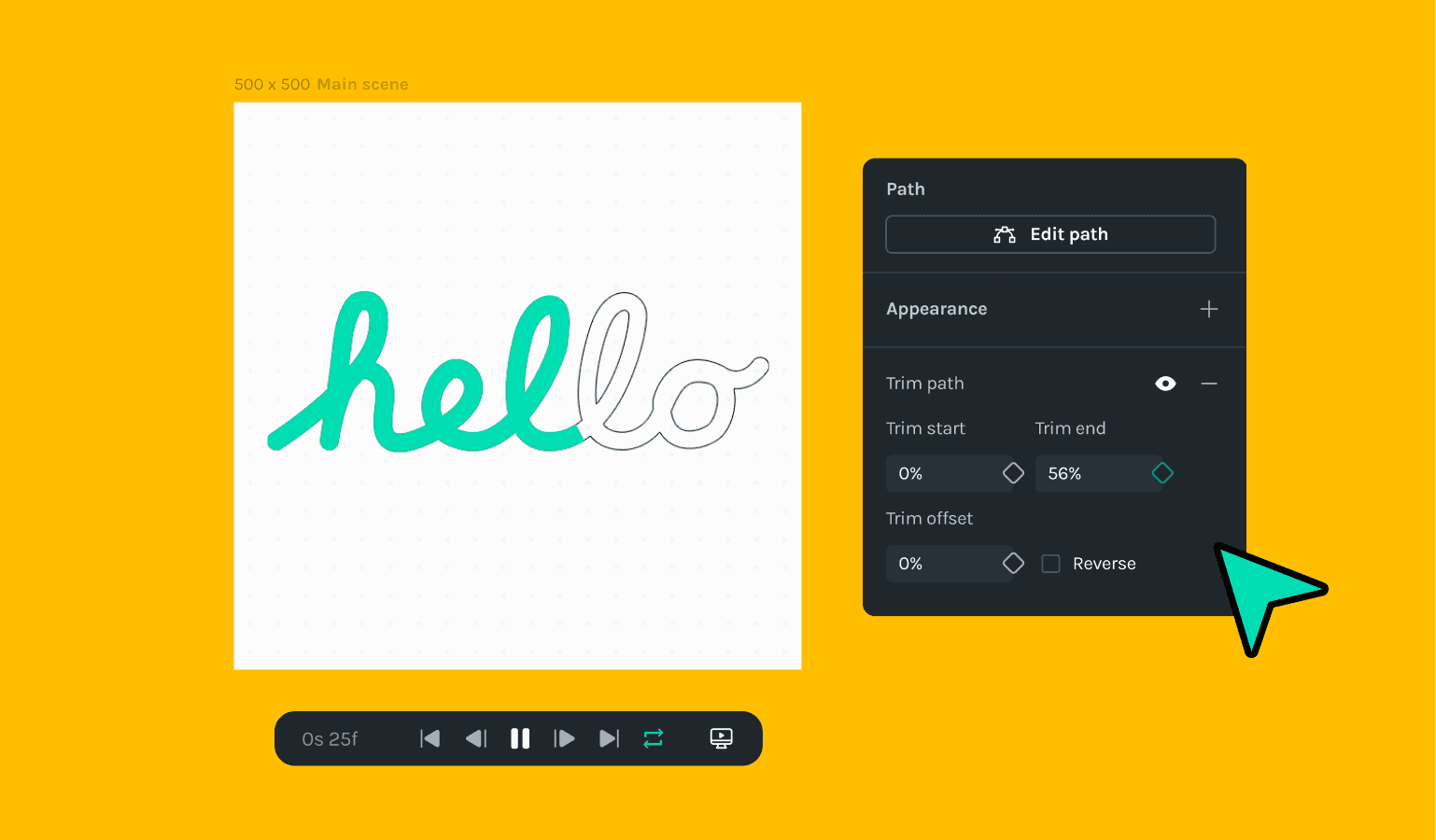
Dive into our new Trim Paths feature and streamline your workflow with intuitive new onboarding and efficient timeline performance improvements. Tackle your projects with enhanced tool accuracy and enjoy a smoother user experience with our latest bug fixes. From simplified path selection to more precise animation controls designed to boost your productivity and creativity.