Creator features
New Canvas in Creator
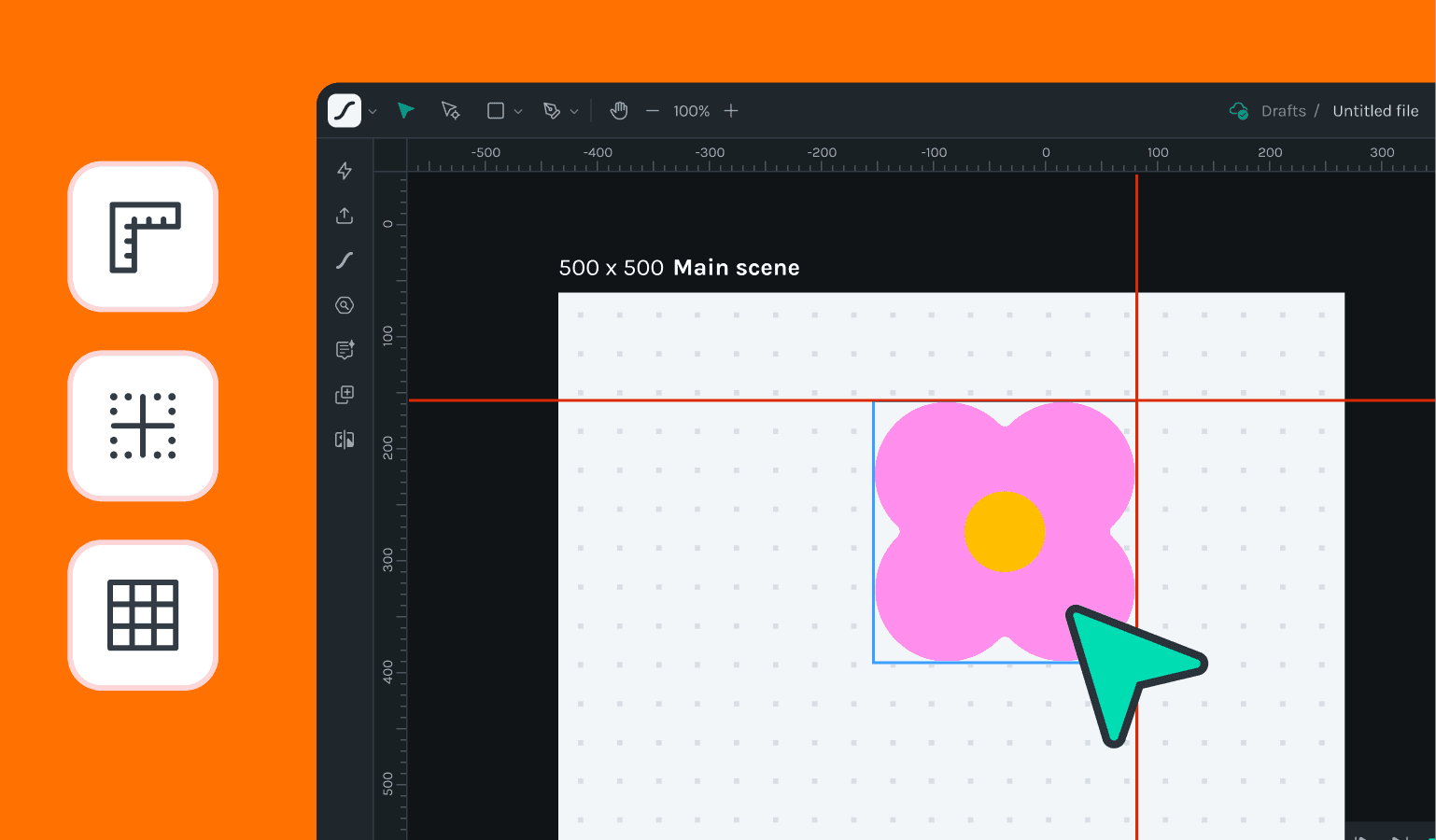
🎉 What's new
- New canvas introduces rulers, guides and grids. User can benefit from these features to precisely snap and position their layers, objects and nested scenes.
- Individual Scene Pan and Zoom: Each scene in the project now supports its own independent pan and zoom settings, allowing for more precise control and customization of your animation views.
- Arrow Key Navigation for Layers: You can now navigate through layers using the arrow keys, making it easier to move and manage layers without needing to rely solely on the mouse.
🔧 Improvements
- Shift-Drag Snapping to Keyframes: Users can now hold the Shift key while dragging to snap precisely to keyframes. This enhancement simplifies aligning elements and ensures accurate placement on the timeline.
- Playhead Navigation to Keyframes: The playhead can now be moved directly to the position of keyframes with a single action, enhancing efficiency in reviewing and editing animations.
- Enhanced Scene Navigation, Panning, and Zooming: Navigation within scenes, including panning and zooming, has been refined for smoother and more intuitive control, improving the overall user experience.
🪲 Bug fixes
- UI Inconsistencies Resolved: Various user interface inconsistencies have been addressed to ensure a more cohesive and predictable user experience.
- Scene Background Color Fix: An issue with the scene's background color not displaying correctly has been fixed, ensuring that backgrounds appear as intended.
- Layer Re-ordering and Dragging Corrections: Multiple bugs related to re-ordering and dragging layers have been corrected, making layer management more reliable and responsive.