Creator features
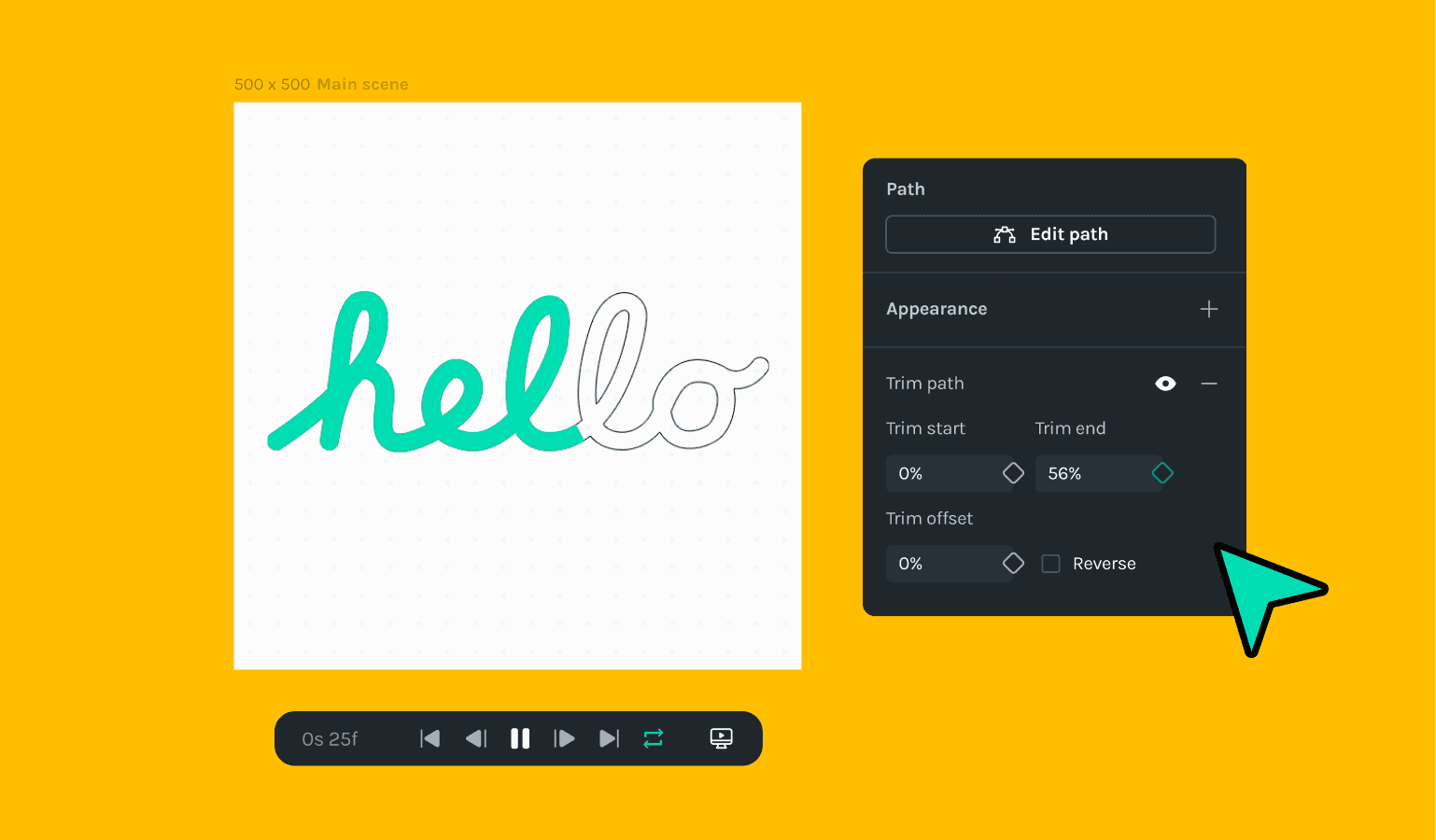
Trim Paths within LottieFiles Creator
🎉 What's new
- Brand new Trim Paths feature right within Creator
- Newly added onboarding journey for new users
- Path points can now be selected by drawing a marquee on the canvas
- New shortcuts were introduced to nudge the track on the timeline track (alt + pageUp/pageDown)
- Drag and drop was introduced for Get Started panel or LottieFiles library.
🔧 Improvements
- The cursor now changes to the Active Tool cursor
- Improved performance on the timeline component
🪲 Bug fixes
- Fixed an issue with time changes not being included in the history stack
- Fixed an issue with moving multiple shapes with the property panel
- Fixed an issue with numeric inputs, allowing up to 4 decimal points
- Fixed an issue where changing a nested scene time impacted the parent scene
- Fixed an issue where complex compound shapes weren't rendering accurately
- Fixed an issue where easing controls weren't displayed on path shapes
- Fixed an issue where paths inside nested scenes were not appearing
- Fixed an issue where bezier shapes had incorrect bounding boxes
- Fixed an issue where keyframes were getting deselected with UI clicks