Creator features
New usability and better easing control
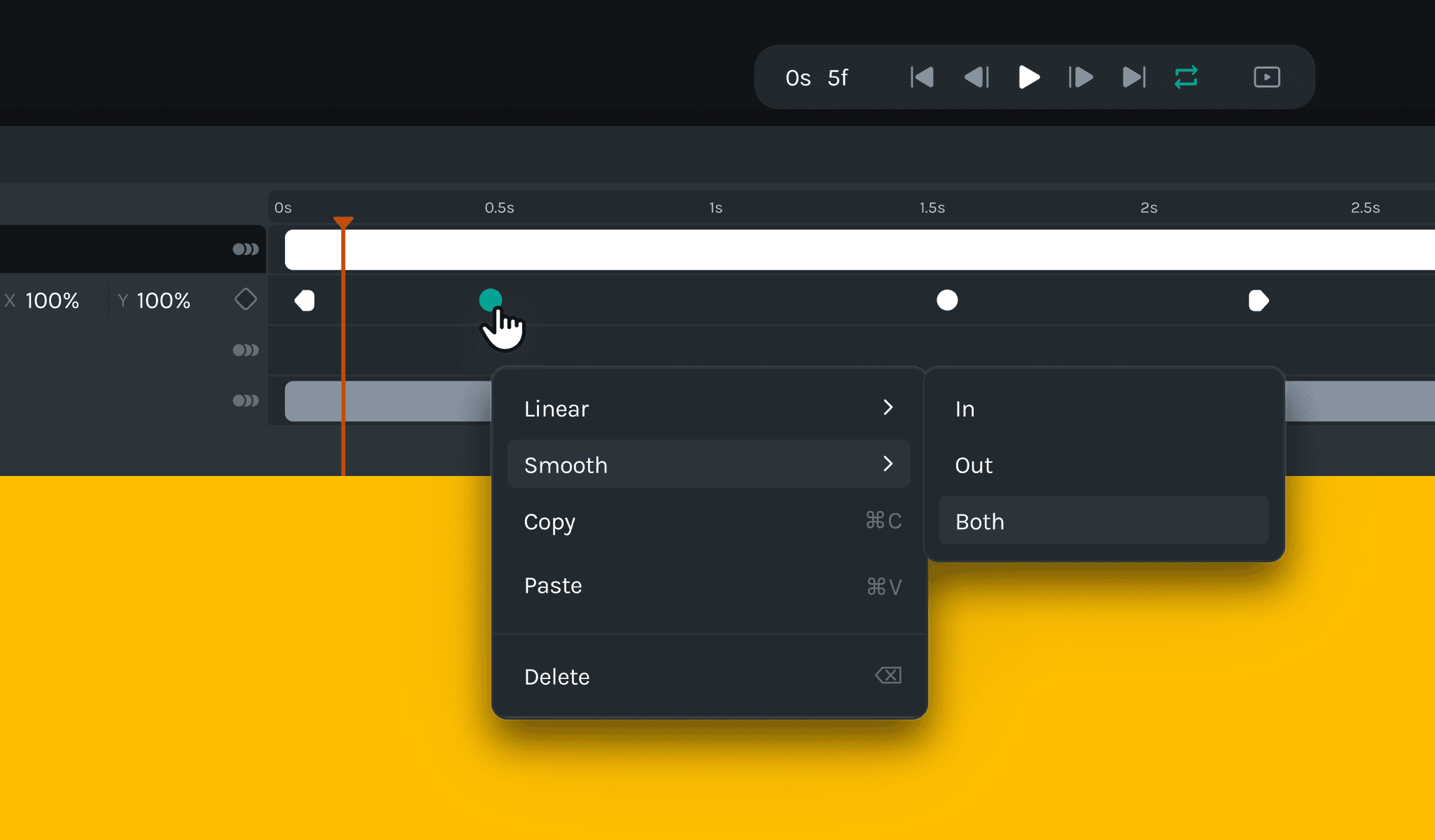
🎉 What's new
- We introduced new keyboard shortcuts for keyframing, allowing users to set keyframes and enhance animation control efficiently.
- Alt + drag to duplicate layers: We have introduced a new shortcut (Alt + drag) to duplicate layers, providing a convenient way to create copies of desired elements.
🔧 Improvements
- Implemented platform-specific keyboard shortcuts, utilizing ⌘ (Command) for macOS and Ctrl (Control) for Windows, ensuring a consistent and familiar user experience across different operating systems.
- Relocated the shapes feature to the top bar for easier access and a more streamlined workflow.
- Users can now use arrow keys to incrementally update values on the property panel, providing a more precise and intuitive editing experience.
- Implemented the ability to import Lotties/JSONs directly from URL parameters, enabling users to import animations from external sources effortlessly.
- Users can now hold the shift key while applying transformations, maintaining aspect ratios, and ensuring precise adjustments.
- Improved the user interface by automatically hiding the pivot point and bounding box when modifying values through the property and layers' panels, reducing visual clutter.
- Users can now utilize the Shift + drag shortcut to create a marquee selection and add additional layers to the existing selection, simplifying the selection process.
- Display mixed values on the property panel when multiple layers are selected, providing a comprehensive overview of selected layers' properties.
🪲Bug fixes
- Resolved an issue where dragging opacity from the property panel was not functioning correctly, ensuring seamless control over opacity adjustments.
- Fixed a bug that prevented dragging functionality on the property panel for compositions, allowing users to manipulate nested scenes easily.
- Addressed an issue with easing values, ensuring smooth and accurate animation transitions.