Creator features
Get Started on your creation and add some IconScout magic 🪄
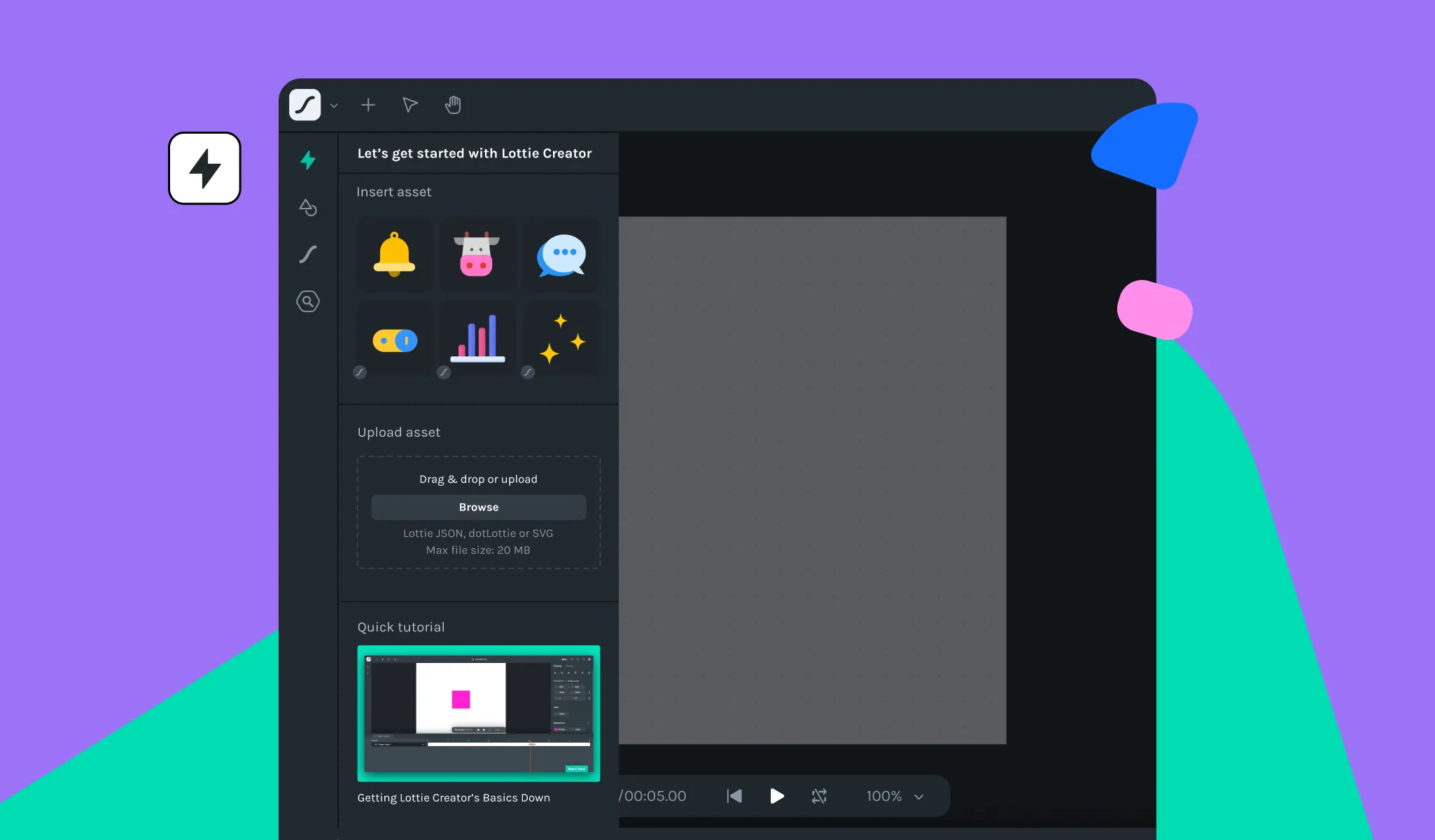
We're back with a bang! Our latest release is packed with dazzling updates and enhancements. Brace yourselves as we introduce you to the future of motion with Lottie Creator.
🎉What's new
- Get Started panel:To make it easier for beginners to get started with Lottie Creator, we've introduced the Get Started panel. This panel acts as a guide for those who are new to the platform, providing them with a simple and straightforward introduction to the world of Lottie Creator. With this feature, even beginners can create stunning animations in no time!
- IconScout plugin:We're excited to announce the release of the IconScout plugin for Lottie Creator! This plugin gives you access to a massive library of high-quality icons that can be customized directly within Lottie Creator. Say goodbye to scouring the web for icon assets – the IconScout plugin will make finding them a breeze and save you countless hours.
🪲Bug fixes & Improvements
- Click and drag to select:Previously, some folks were experiencing issues with click-and-drag selection on the canvas, particularly when a selection had already been made. We've addressed this issue in this release, ensuring that you can click and drag to select objects on the canvas without any issues.
- Undo-redo function:In some cases, keyframes would remain visible on the timeline despite attempts to undo them. We've fixed that in this release, ensuring that keyframes are properly removed when using the undo-redo function.
- Update shapes default colors:We have updated the default color of basic shapes to include new shades that are brighter, more vibrant, and more modern.