Creator features
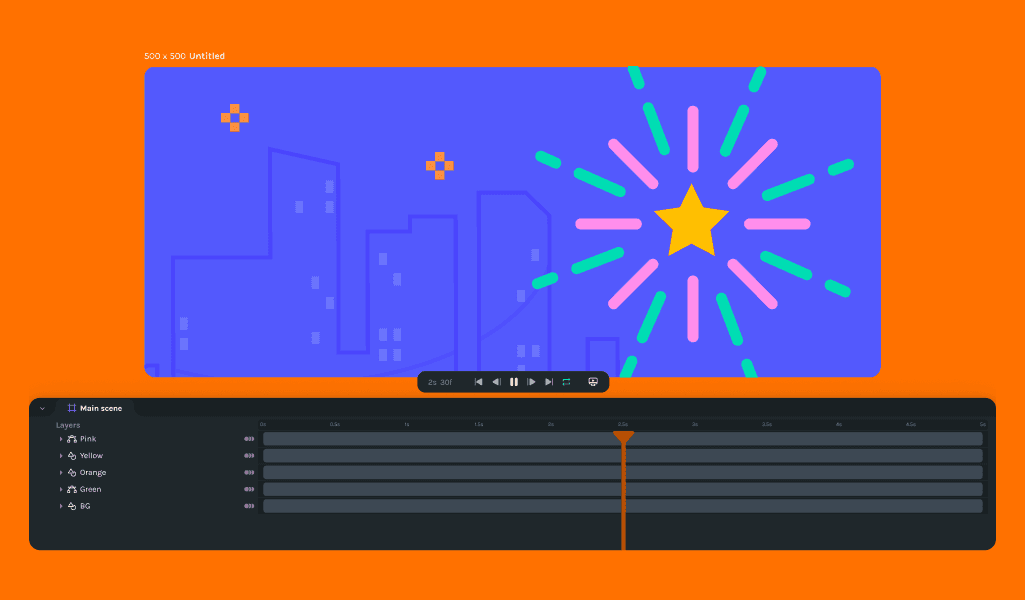
Better duplicate and better nested scenes
🎉 What's new
- Users can now alt + click drag to duplicate shapes automatically, streamlining the design process.
- Added modifier keys to move keyframes, enhancing workflow efficiency.
- Nested scenes can now be reordered, offering more control over animation sequencing.
- Introduced a pen and path tool for advanced design capabilities (Note: This feature is behind a feature flag and may not be visible to all users yet).
🔧 Improvements
- Introduced a warning overlay for mobile and small screen sizes to improve user experience.
- Exported files will now contain the working file name, simplifying file management.
- Imported files will reflect the working file name correctly, ensuring consistency.
- Precomps are now offset correctly when the track is moved on the main scene, ensuring alignment.
- Hotkeys for layers are fixed, improving navigation and layer management.
- Shapes can now be extended, and the canvas will reflect changes correctly.
- The curated collection is replaced with featured animations, providing more search options.
🪲 Bug fixes
- Resolved issues where hotkeys with commas are now functioning correctly again.
- Fixed rendering order on timeline and canvas to ensure accuracy.
- Fixed an issue where keyframes were not moving when the track is dragged, ensuring smooth transitions.
- Tooltips have been significantly improved for better guidance.
- Fixed an issue with inaccurate rotation values, enhancing animation precision.
- Resolved an issue where importing an asset incorrectly renamed the working file, maintaining file integrity.